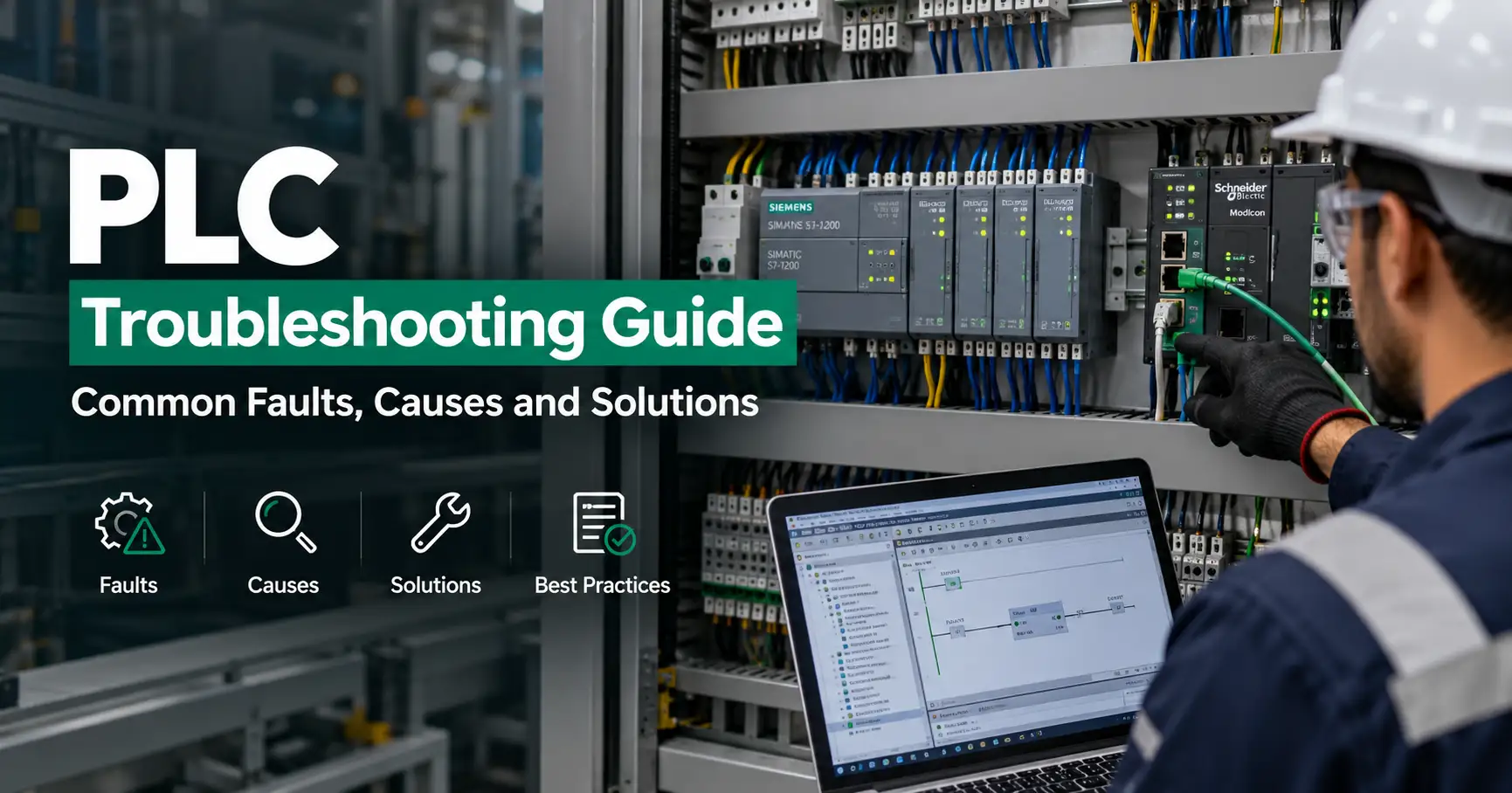
Programmable Logic Controllers (PLCs) are commonly used to control industrial machines, pumps, motors, conveyors, production lines, and automated processes. A PLC fault can shut down operations and lead to costly downtime.
To troubleshoot a PLC effectively, you need to systematically check the controller, power supply, wiring, communication, inputs, outputs, and connected equipment.
What Is PLC Troubleshooting?
PLC troubleshooting is the process of finding and correcting problems that prevent a PLC system from operating properly. Typical causes of a PLC error include power failure, loose wiring, defective sensors, failed input/output modules, communication errors, incorrect network configuration, and problems with the PLC program.
Common PLC Faults and Reasons
| PLC Problem | Possible Cause |
|---|---|
| PLC Not Powering On | Power failure, fuse problem, or loose wiring |
| CPU Fault | Program, memory, or hardware issue |
| Input Not Received | Sensor, wiring, or input module fault |
| Output Not Working | Output module, interlock, or actuator fault |
| Communication Failure | Cable, IP address, or protocol problem |
| PLC Not Communicating with HMI | Network or configuration problem |
| VFD Not Communicating with PLC | Address, wiring, or protocol mismatch |
| PLC Stops Repeatedly | Program, power, or hardware problem |
How to Diagnose a PLC
Start by checking the PLC status LEDs and record any fault indication. Next, check the incoming power supply, fuses, terminals, and grounding. Inspect field wiring and verify the operation of sensors, switches, relays, contactors, and actuators.
If there is a communication fault, check Ethernet cables, IP addresses, device addresses, network switches, and protocol settings. If the PLC communicates with an HMI, VFD, or SCADA system, verify that the communication configuration is correct.
If the hardware and field devices appear normal, check the PLC program for active interlocks, incorrect conditions, timer problems, missing signals, or address errors. Whenever possible, create a program backup before making changes.
PLC Preventive Maintenance
Regular maintenance can help reduce PLC failures and unplanned downtime.
| Maintenance Task | Purpose |
|---|---|
| Inspect Control Panels | Identify dust, heat, or physical damage |
| Check Ventilation | Help prevent overheating |
| Check Terminals | Identify loose electrical connections |
| Backup PLC Programs | Protect PLC program and configuration data |
| Verify Network Connections | Reduce communication problems |
| Document Changes | Make future troubleshooting easier |
PLC Troubleshooting in Saudi Arabia
Industrial automation systems in Saudi Arabia may operate in demanding environments affected by heat, dust, and continuous operation. Proper control-panel protection, ventilation, cooling, and scheduled maintenance can help improve PLC reliability.
EMAN FTC provides PLC and industrial automation support across Saudi Arabia, including PLC troubleshooting, maintenance, HMI configuration, VFD integration, and SCADA support.
A systematic troubleshooting process allows technicians to identify the actual fault before replacing components, helping reduce unnecessary changes and restore reliable automation operation safely.